



%20(1).avif)
.avif)
.avif)
.avif)
Synchro Arts
Save hours in the studio with vocal processing software created specifically to enhance and simplify the processes of music producers and audio engineers.

In this video, we're taking a look at what's new in Revoice Pro version 5. I'm working in PreSonus Studio One today, which supports ARA. If you're using another DAW, you can find getting started videos for most major platforms in the description or info card above. Let’s get into it.
Starting in Studio One’s event editor, I’ll highlight two audio events and drag the Revoice Pro Link plugin onto them. Now we can start Revoice Pro directly from within the plugin. When opened, Revoice Pro syncs with the Studio One project name.
The Revoice Pro Link plugin now features multiple modes: Capture Only, Capture and Match (Timing, Pitch, and Level), and Capture and Create Doubles. In this example, I’m choosing Capture and Create Double. I’ll use the preset “Stereo Vocal Mild.” When I capture the audio, Revoice Pro automatically creates a doubler process, which we can spot back into the DAW.
One major change in Revoice Pro 5 is terminology updates. “Create Warp Region” is now “Adjust Pitch, Timing, or Level.” The shortcut key W still opens the same panel. Revoice Pro 5 also inherits zoom and navigation functions from RePitch: hold Option+Command (or Alt+Control on PC) to zoom dynamically; hold Shift+Command (or Shift+Control on PC) to reposition; use T and R to zoom in/out.
We also now have a new pitch block layout. Hovering over a pitch block reveals new control points:
Double-clicking a pitch block resets it to zero based on the chromatic grid. Another major addition is the new Shaper Tool. It allows you to edit pitch contours within a block by adding nodes, without slicing the audio. Holding Option while clicking locks adjacent nodes for finer adjustments.
The updated Center Notes Tool now includes a correction percentage and drift control. The correction adjusts pitch centering, while drift smooths transitions between pitch blocks.
Timing adjustments are also more powerful. When multiple pitch blocks are selected, dragging a boundary will affect all linked blocks, keeping musical phrasing intact. These timing edits apply not only to the lead vocal but also to any attached doubles.
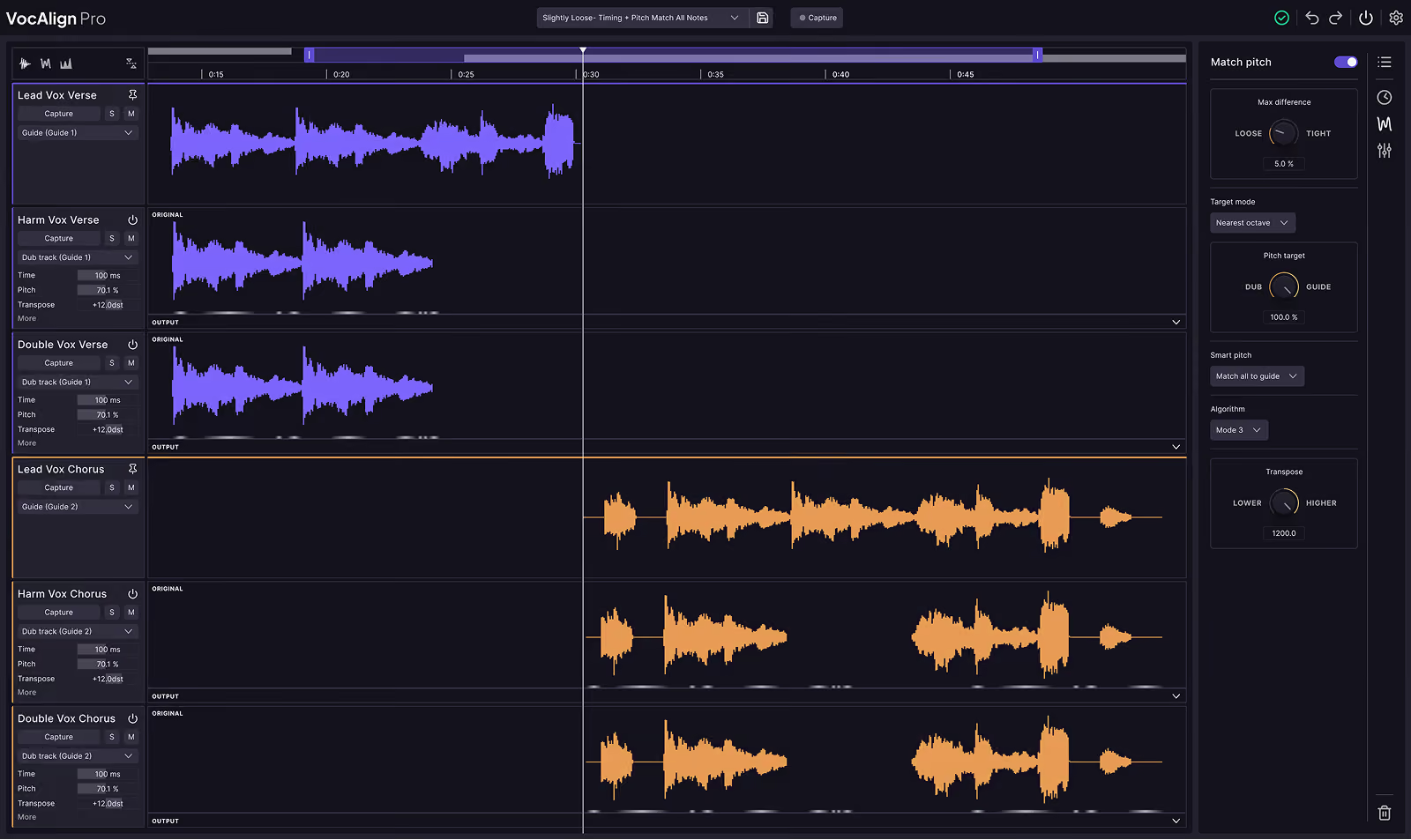
In a multi-vocal arrangement, we might have a female lead vocal, a male unison, and two high harmony tracks. Previously, Revoice Pro forced you to choose between aligning for pitch or timing—never both in nuanced ways. But in version 5, SmartPitch changes that.
With SmartPitch, you can match unison vocals exactly while tuning harmonies differently—without multiple processing passes. In the new Match Process panel (formerly APT), select presets like Tight Timing and Pitch – Match Unison and Tune Harmony. This will align unisons exactly, and apply subtle pitch correction to harmony parts without forcing them to match the guide pitch.
This smarter matching is fully flexible and works across voice types, octaves, and arrangements. The updated Revoice Pro Link plugin streamlines the workflow with automatic track handling, cleaner UI, and simplified grouping for outputs.
Because we’re working with ARA, everything is synced in real-time with Studio One. Changes made in Revoice Pro are instantly reflected back in the DAW timeline—no bouncing required.
One last highlight: for non-ARA DAWs like Ableton Live, Revoice Pro 5 introduces real-time audio streaming. You no longer need the Revoice Monitor plugin. Just use the updated Link plugin to hear your edits directly in the DAW timeline as you work.
That’s a wrap on what’s new in Revoice Pro 5. For more tutorials and details on working with your specific DAW, visit SynchroArts.com.
Save hours in the studio with vocal processing software created specifically to enhance and simplify the processes of music producers and audio engineers.

