


%20(1).avif)
.avif)
.avif)
.avif)
Synchro Arts
Save hours in the studio with vocal processing software created specifically to enhance and simplify the processes of music producers and audio engineers.

Now we have Pro Tools, ARA, and Revoice working together—that whole situation is now just gone.
Hey guys, I'm Andy. I'm one of the studio managers here at British Grove, here to take you on a tour of Studio 1 with Synchro Arts. So come with me.
This is our main live space here in Studio 1. As you see, it's quite a big room, but it's incredibly versatile. We've got acoustic paneling all around the top that can be changed and manipulated depending on the kind of session we've got. All of the booths that you can see around here are isolation booths, and what's amazing about them is they can all fold away behind these walls.
This studio, for vocalists, is lovely—whether they're recording in the booth or in this space.
This is Studio 1's control room. Here we have our 96-channel Neve console—it's an 88R. Personally, on a session, I like to keep things moving as quickly as possible, so having the real estate on a console allows the producers or the composers time to just focus on their art, as opposed to worrying about me patching leads in.
My name is Jason Elliot. I'm co-studio manager and also a studio engineer here at British Grove Studios. One thing I'm really proud of is that I did a lot of work on the Ellie Goulding record, Brightest Blue, as the vocal engineer on most of the A-side.
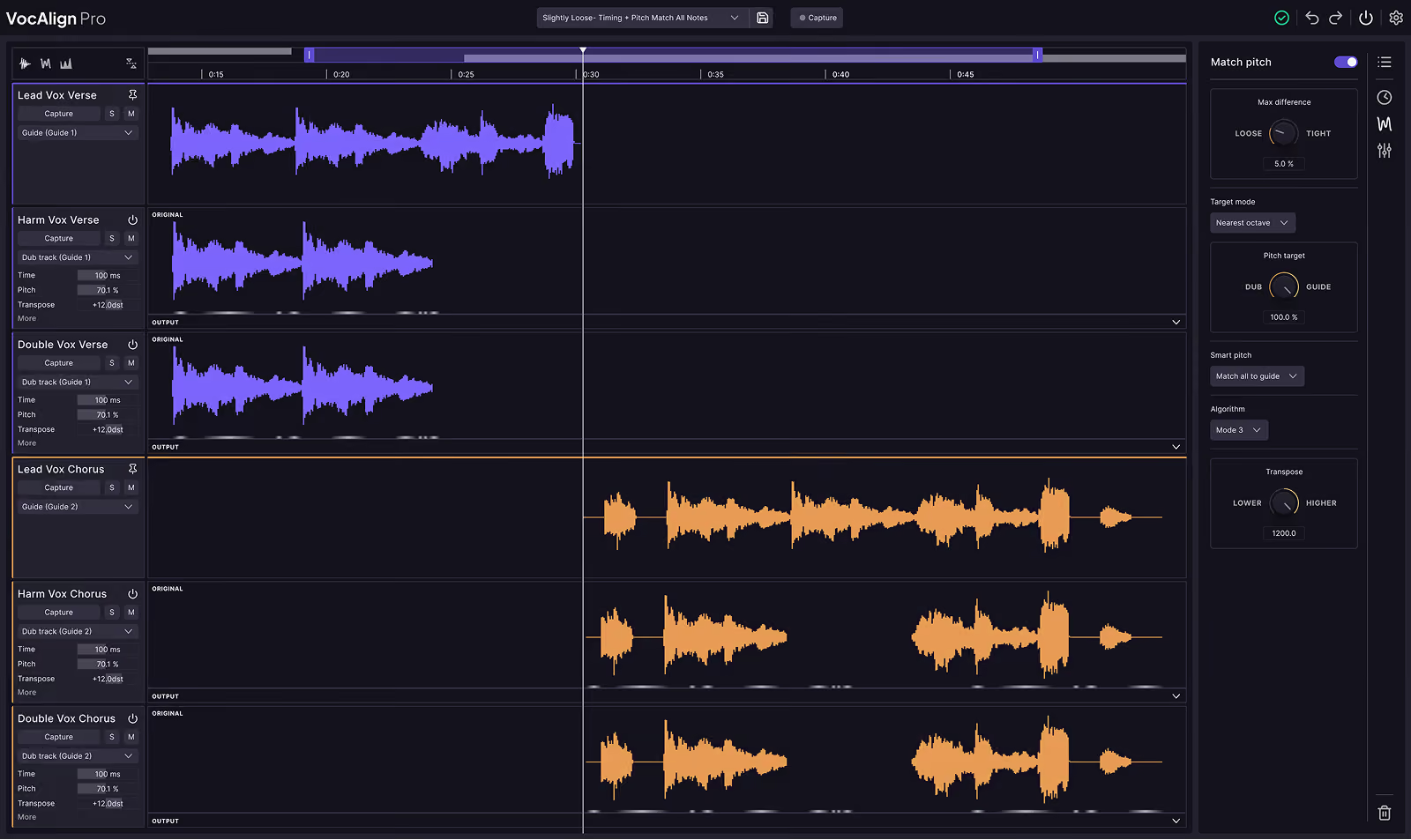
It was VocAlign that I started using just to get doubles, triples, and stacks to be tighter with the lead vocal. On one of the early projects, I was kind of hoping to find something where I could batch process stuff, so I got Revoice Pro purely for that reason at first.
I take a listen and make a decision about how I want to process the vocals, and almost always I’ll be taking it into Revoice Pro. You can set tolerances and create process groups, so I can tweak to my heart's content. I can say, “Right, I'm just going to make it a tiny bit more loose,” or “I don't want the pitch matching to be quite as tight.” You can also do that with level—and all of these things have individual parameters you can tweak infinitely, really, until you get the best-sounding result for that section of music.
What’s amazing is every time I move something, the cogwheel is turning—it’s updating in Revoice Pro, and then it already exists in Pro Tools. It's just so amazingly fast. I've been wanting it for so, so long.
The way we used to use it before was a whole process. It was an AudioSuite-linked plugin. I had to transfer everything manually into Revoice, then do the processing, and transfer it all back out. So it was very much a turn-based process. Sometimes that meant that although it was very flexible when it was in Revoice, when you were coming out, you were committing at that point.
Whereas now, with the beauty of ARA, that whole situation is just gone. As soon as you engage Revoice Pro ARA in Pro Tools, it exists in both. It's natively in the same system. So any tweaks you're then making in Revoice are already in Pro Tools. It's just such a time saver.
And also, things like that—anywhere you can make the process simpler—means you can be more creative. I'm super excited to make it a part of my everyday workflow. It speeds everything up massively, and that means I can spend time concentrating on mixing and being creative.
Save hours in the studio with vocal processing software created specifically to enhance and simplify the processes of music producers and audio engineers.

