

%20(1).avif)


Synchro Arts
Save hours in the studio with vocal processing software created specifically to enhance and simplify the processes of music producers and audio engineers.
Have you ever recorded a vocal only to be disappointed with a thin sound that lacks warmth or character? The secret to thickening up your vocal take might be double-tracking vocals.
Double tracking vocals is an incredibly common recording trick, so many rock and pop tunes use double-tracked vocals, especially older 60s and 70s rock and roll.
Let’s take a look at what it takes to create a good double-tracked vocal, how they can be used to make a track better and some helpful tips for producing an artificially doubled vocal.
Double-tracking vocals can benefit a recording in a number of ways.
The primary reason artists love using doubled vocals is that they create a natural-sounding chorus effect, adding dimension, character and warmth.
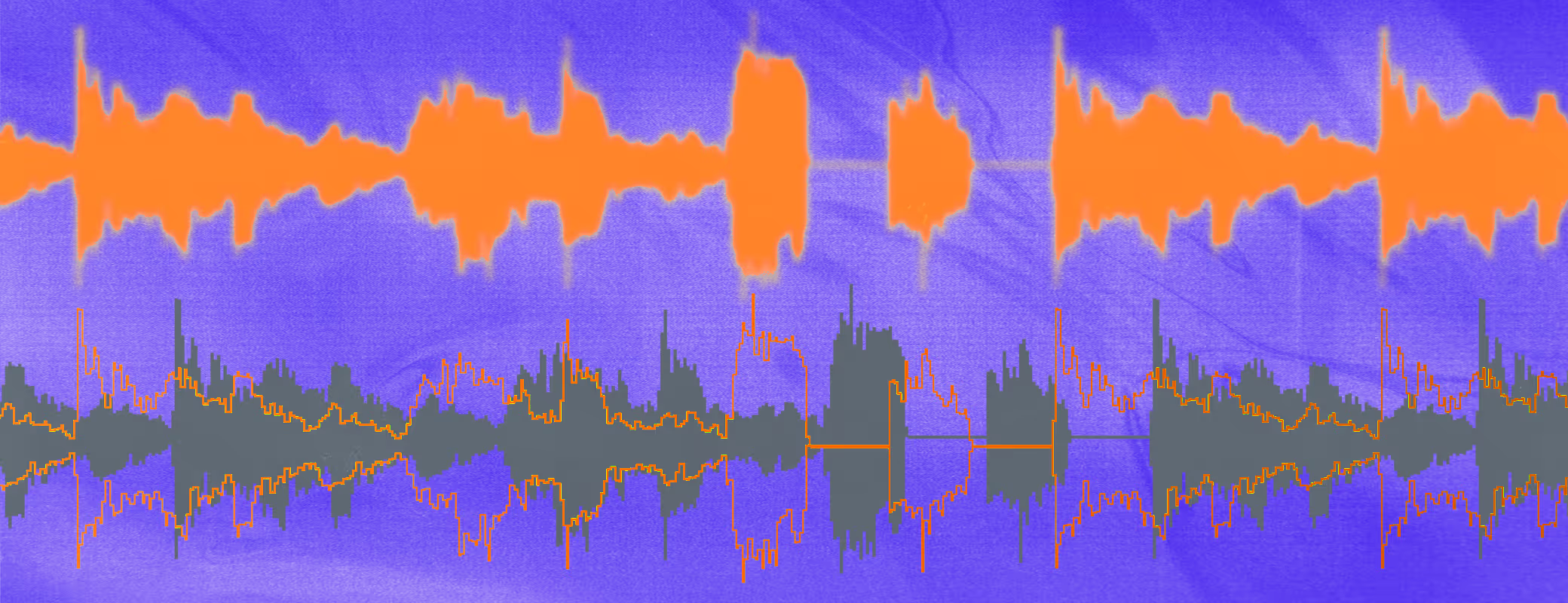
The chorus effect is produced by all the minor variations in timbre and timing between the doubled vocals, adding a uniquely warm and pleasant quality.
Aside from the natural chorus that double tracking creates, a doubled vocal can be easily panned left and right, widening the vocals to make them sound larger than life.
And if you don’t want a wide stereo image with panning, doubled vocals open up options for parallel processing.
That means you’ll have the option to put effects and EQ changes on the doubled vocals without affecting the main vocal, allowing it to float nicely in the background
Of course, a solo vocal can have a quieter, more intimate sound to it, but having a double as an option also creates the opportunity to produce emphasized sections with the double.
In recording settings with modern DAW software, the process for recording a double tracked vocal is pretty straightforward.
Just as you would with a multitracked DAW project, you simply record a vocal overtop of the arrangement.
In most cases, a vocal recording session will produce a collection of vocal recordings, so the best option is to go into any recording session with the goal of getting at least two usable takes.
However, if you only have one usable take after your recording session, producing a vocal double gets tougher.
That’s because simply superimposing two of the same vocal recordings over each will merely boost the signal of the original recording due to a phenomenon called constructive interference.
But if you only have one usable vocal recording, there’s luckily a few options for creating that warm natural chorus sound.
💡 Fun fact: Phase cancellation is the reason why doubled vocals sound so nice. The minor variations cause small cancellations between each waveform creating a naturally phased effect. Constructive interference is the opposite of phase cancellation, when two wave forms with peaks and troughs in the same places boost each other, raising the overall volume.
There are a handful of tools that can help you create a double-tracking effect when an actual second vocal is not available for doubling.
Here are two solutions to consider.
The quickest and easiest way to try and generate something that sounds doubled is to create a chorusing effect with a delay.
Set the delay time to around 10 milliseconds, widen the stereo field of the delay if your plugin allows it, and blend the wet and dry signal at about 40-50%.
It’ll take some dialing in to get a natural chorus sound, but these effects can help get your vocal closer to sounding doubled with a second vocal.
However, they can’t be relied on to produce a genuinely convincing vocal.
To get something that truly sounds human and natural, you’ll need the kind of vocal doubling tools that are built in vocal alignment software suites.
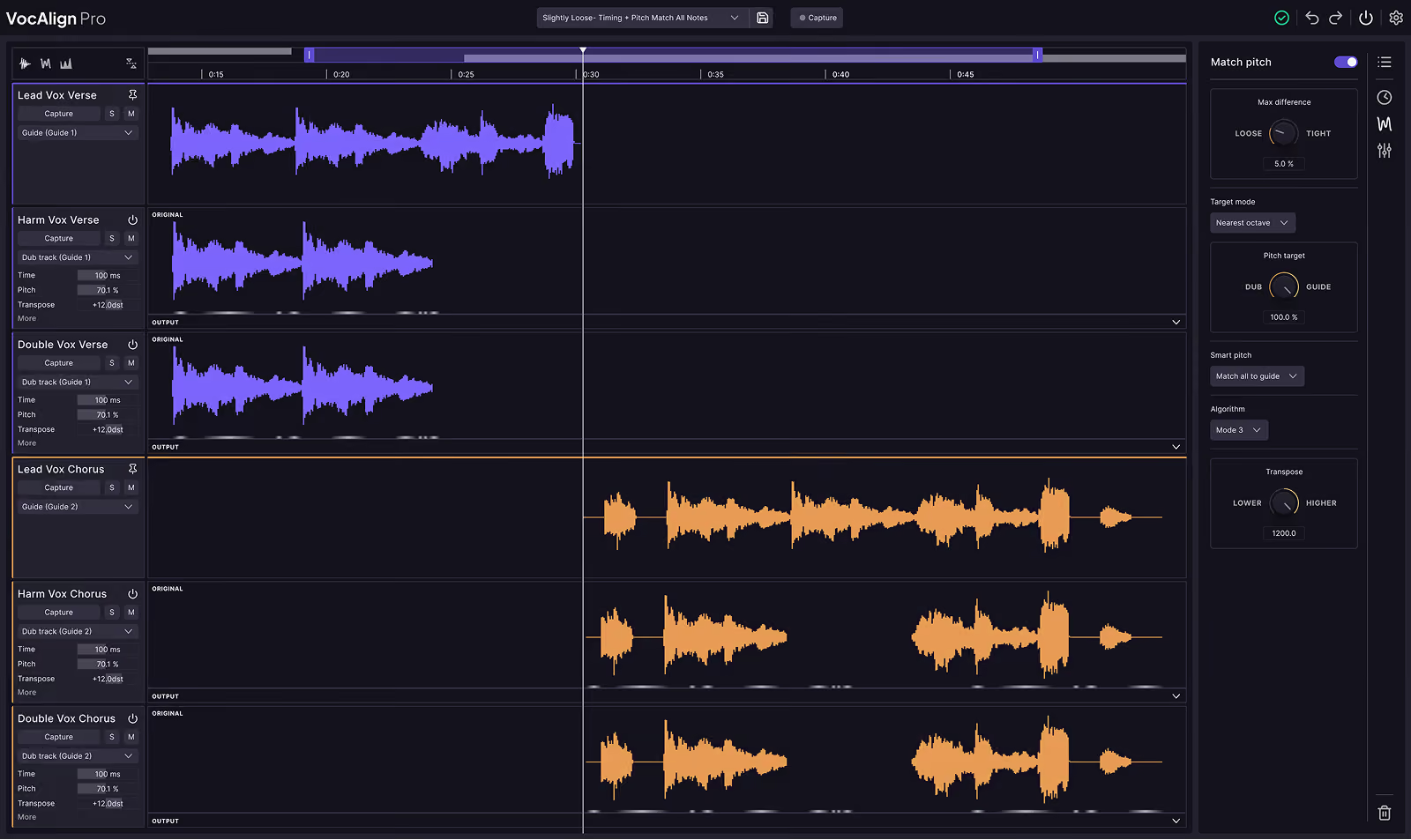
Vocal alignment software is built with the voice in mind from the ground up, and tools like Revoice Pro 5 are built with artificial double tracking in mind.
Revoice Pro 5 revolutionized the time-consuming process of aligning and pitch correcting layered vocals, but it also can artificially produce a vocal double.
All you have to do is find the doubling feature and choose between a selection of presets in either mono or stereo.
Here’s a great video that demonstrates how a convincing, wide and powerful stereo double can be created in Revoice Pro 5 with a single vocal recording.
Whether you achieve it through meticulous double-tracking in the studio or leverage the power of modern vocal alignment software, mastering the art of vocal doubling can significantly enhance your mixes.
Experiment with these techniques to add warmth, character, and a larger-than-life presence to your vocal tracks, ensuring your listeners are captivated by every word.

Save hours in the studio with vocal processing software created specifically to enhance and simplify the processes of music producers and audio engineers.


