

%20(1).avif)


Synchro Arts
Save hours in the studio with vocal processing software created specifically to enhance and simplify the processes of music producers and audio engineers.

Great vocal production can make or break your track. No matter how talented the vocalist you’re working with is, sometimes it takes an extra step make their vocals shine.
Whether it's tuning, timing, or taming harsh sounds, here's how you can easily tackle six common vocal issues and enhance your vocal production workflow.
Even the most talented singers occasionally miss notes—it’s totally normal!
Thankfully, vocal tuning doesn't have to be tedious.
Using graphic pitch correction tools, you can quickly identify problem areas and adjust any notes that have drifted off key without losing the natural human feel of the original recording.
Start by visually identifying problematic notes, then gently nudge them into place without losing the natural feel of the vocal.
Aim for subtle corrections, focusing on preserving the emotional expression and character of the performance.
Tools like Warp Processing in Revoice Pro can streamline this process with features like one-click pitch correction, timing tweaks, and average pitch adjustments to achieve smooth, natural results.
Sibilance—those sharp, hissy 's' and 'sh' sounds—can quickly become distracting. The easiest fix is using a de-esser plugin.
Start by isolating the frequency range where sibilance occurs (usually between 5kHz and 8kHz), then carefully adjust threshold and reduction parameters.
Alternatively, you can manually automate volume changes on particularly harsh sounds.
Advanced vocal editing tools, like Revoice Pro, also let you visually pinpoint and adjust breaths and sibilants easily, giving you greater control without damaging the original tone.
Editing vocal timing can be tricky, especially if your singer has natural vibrato.
Stretching or compressing audio often distorts the vibrato, resulting in artificial-sounding vocals. The key is using tools designed specifically for vibrato preservation.
For instance, Revoice Pro offers vibrato-sensitive editing, allowing precise lengthening or shortening of notes while keeping the natural movement intact, ensuring your edits sound seamless and authentic.
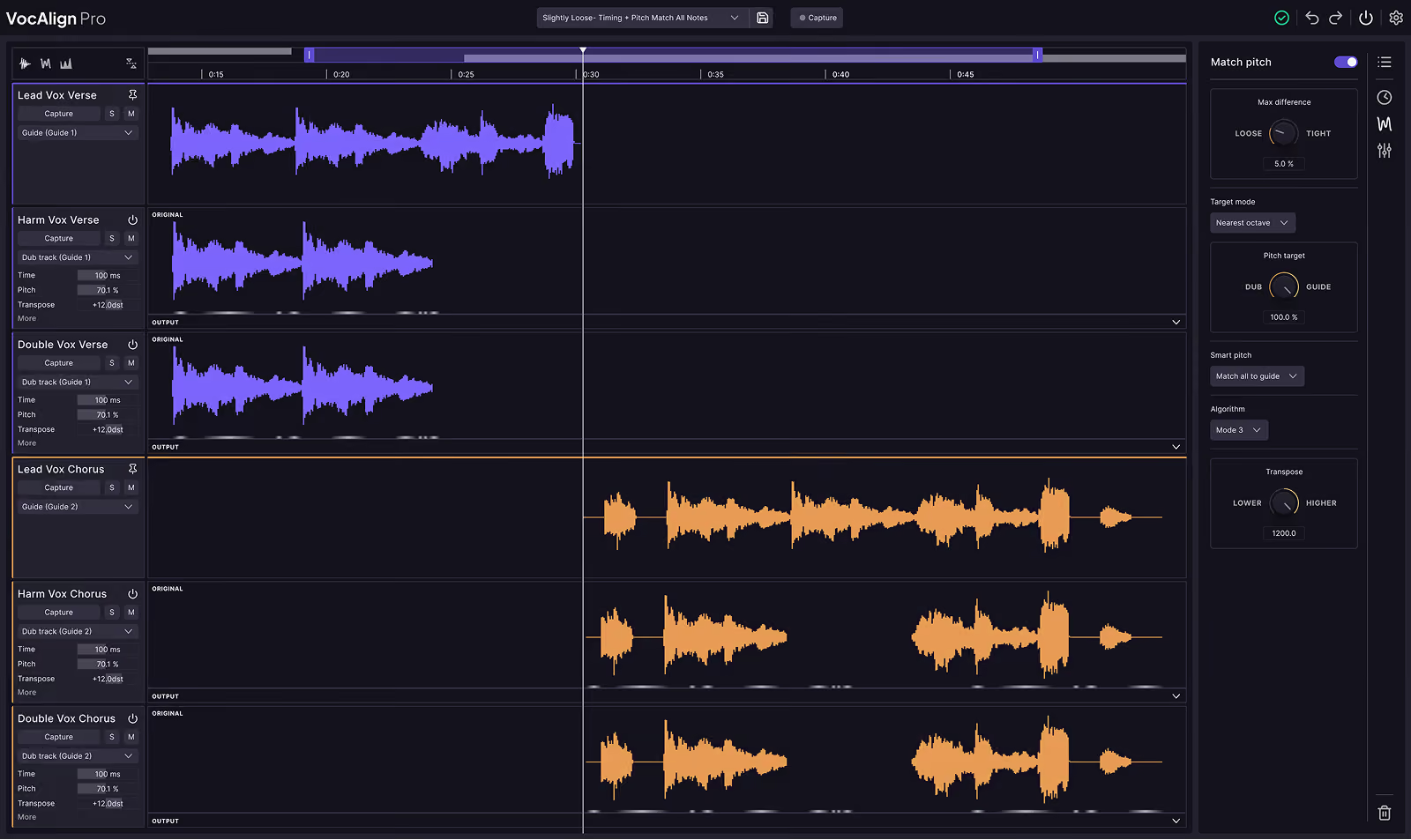
Stacking vocals creates a rich, professional sound—but only if they're aligned correctly.
Manually aligning harmonies and doubles to a lead vocal can be incredibly time-consuming and tedious.
Automatic alignment tools, such as the Audio Performance Transfer (APT) feature in Revoice Pro, significantly speed up this process by syncing multiple vocal takes quickly and accurately.
This ensures tight, cohesive vocal stacks, allowing you more time to focus on creative aspects of your track.
Doubling vocals adds depth and thickness to your tracks, but recording real doubles can sometimes be challenging or impossible due to time constraints.
That's when realistic doubling effects come in handy. Use tools that offer customizable parameters like pitch variation, timing offsets, and formant adjustments.
Tools like Revoice Pro include presets and adjustable parameters to help you achieve natural and convincing doubles within minutes, greatly enhancing your vocal production.
It's common to rethink timing decisions late in the production process. Making changes after carefully editing and aligning multiple vocal tracks can feel daunting.
Fortunately, modern vocal production software makes late-stage adjustments easy.
Features like Audio Performance Transfer (APT) in Revoice Pro let you adjust the timing of a lead vocal and instantly apply those changes across multiple tracks simultaneously.
This keeps your workflow flexible and stress-free, even at advanced stages of production.
Solving vocal production issues doesn't need to be overwhelming or overly complicated.
With smart techniques and the right tools, you can overcome common vocal production hurdles and create polished, professional-sounding vocals without sacrificing creativity or authenticity.

Created and vetted by the team of editors, artists and engineers at Synchro Arts.
Save hours in the studio with vocal processing software created specifically to enhance and simplify the processes of music producers and audio engineers.


